EMLE Notes - Sign In
Welcome to EMLE Notes !Here’s how to get started with signing in and verifying your account.1. S
·
1 min read
Welcome to EMLE Notes !
Here’s how to get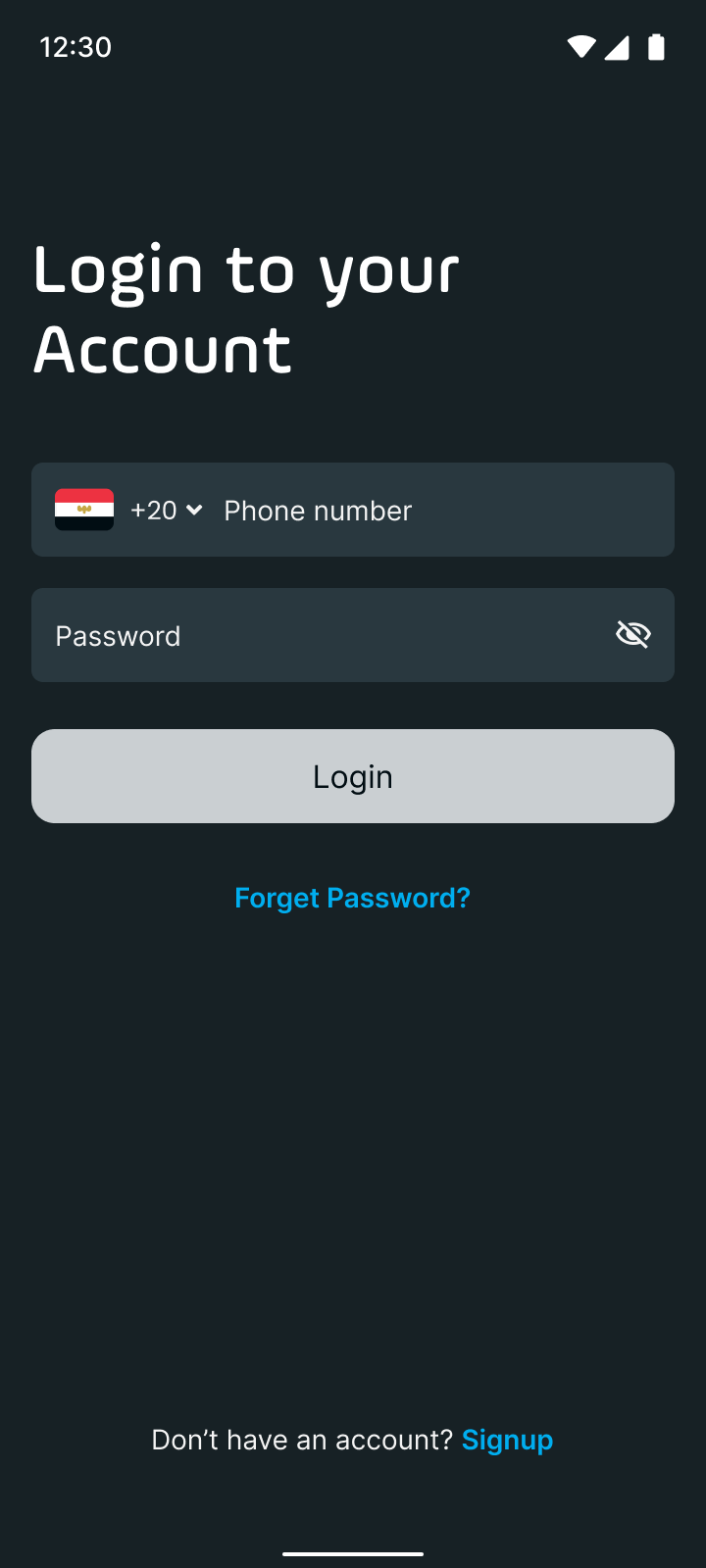 started with signing up and verifying your account.
Sign-In Process (For Returning Users)
- Open the App
- Launch the [App Name] app on your device.
- Go to Sign In
- Tap on Sign In on the home screen.
- Enter Your Credentials
- Mobile Number: Enter the mobile number you used to register.
- Password: Type in your password accurately.
- Access Your Account
- Tap Sign In to log in.
EA
No comments yet. Login to start a new discussion Start a new discussion