EMLE Notes - Explore Page
Welcome to EMLE Notes !Here’s how to search for courses Go to the Explore Page
Welcome to EMLE Notes !
Here’s how to search for courses
Go to the Explore Page
- Open the app and navigate to the Explore page.

How Recommendations Are Made
Our recommendation system uses a combination of factors to suggest courses that align with your goals:
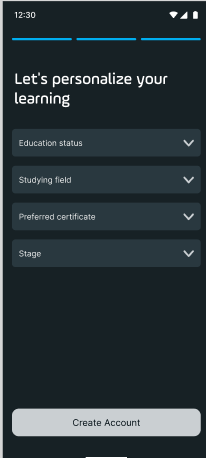
- Interests: During signup, you may have indicated specific interests or topics. These help us recommend relevant courses
- Past Activity: Courses you’ve enrolled in, completed, or spent time browsing contribute to shaping your recommendations.
- Trending Topics: We also include popular courses that may align with your interests, keeping you updated with the latest learning trends.
Where to Find Comprehensive Course Descriptions
1. Browse Courses
o Navigate to the Courses section on the home or explore page to view available courses.
2. Select a Course to View Details 
o Tap on a course title to open its detailed description. This will include information on course objectives, and the instructor,
Components of a Course Description
Each course description includes the following details:
• Course Objectives:
o This section outlines the main learning goals and what you can expect to achieve upon completing the course. It provides a clear idea of how the course will add value to your skills and knowledge.
• Instructor Information:
o Learn more about the course instructor, including their qualifications, teaching experience, and areas of expertise. This helps you understand the instructor’s background and approach to the course. 
No comments yet. Login to start a new discussion Start a new discussion